What Scout & Runner is
Scout & Runner is being evaluated in the +1 region. KYC-verified ULOs can join where onboarding is available. International expansion depends on the evaluation.
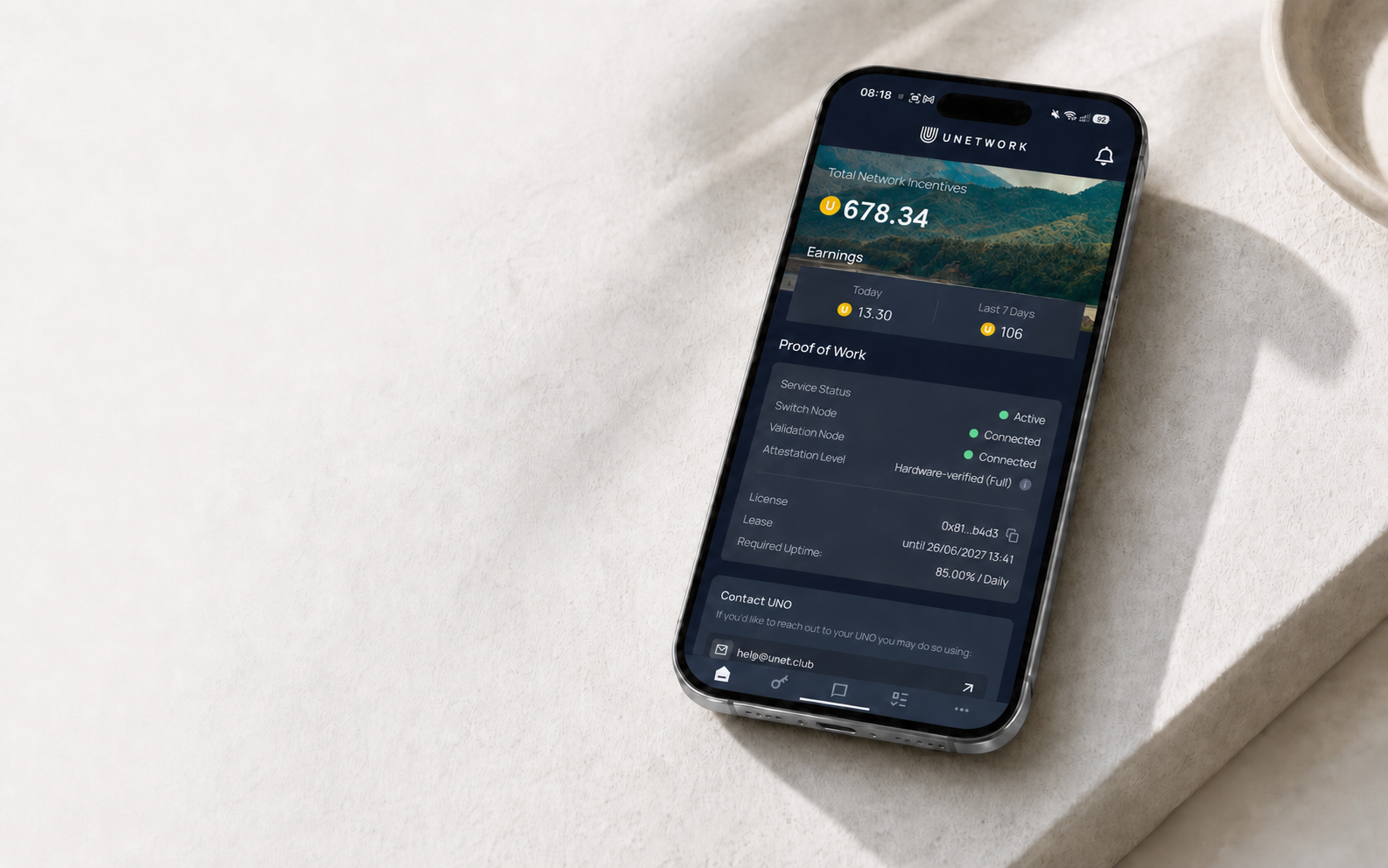
Scout & Runner task is active
Evaluation is limited to the +1 region. KYC is required for onboarding. Use the Unetwork app to choose Scout, Runner, or both and complete the required setup.
About the task
Scout & Runner is being evaluated in the +1 region. KYC-verified ULOs can join where onboarding is available. International expansion depends on the evaluation.
Scouts discover and validate new access from a dedicated prepaid SIM. Runners manually verify Scout-found routes and submit the result for each call.
You need valid ULO status, completed KYC, a supported number, and acceptance of the current Terms & Conditions. If you completed KYC in the Unetwork app, you do not need to do it again.
SuperScouts are appointed Scouts who help review ScoutQuest submissions and support the S&R community under a separate program agreement.
Use a dedicated prepaid SIM, choose an approved plan, record the real balance before and after the call, then submit exactly what happened.
Choose a Scout-verified route in the Runner dashboard, check its reward rate and SIM plan, then call it manually from your registered prepaid SIM.
Rewards
Operating workflow
Open the Task tab in the Unetwork app and select Connectivity Verification.
Register as a Scout, a Runner, or both. Complete KYC if prompted, then accept the updated Terms & Conditions.
Use only a dedicated prepaid SIM or eSIM purchased for S&R. Personal and daily-use SIMs are not allowed.
Record the real SIM balance, dial the assigned test number manually, then record the balance again and report the result accurately.
Check the route's reward rate and SIM plan, dial manually, and keep an eligible call connected for at least 30 seconds.
Submit a report for every call. Rewards apply only after the backend confirms the call and report.
Before you participate
Get started
Install Unetwork on your phone from the App Store or Google Play.
Open Tasks, select Connectivity Verification, and follow the redirect to Scout & Runner.
Ready to participate